Brady UX
my product · freelance time and billing · 2026tab

Show the work,
close the tab.

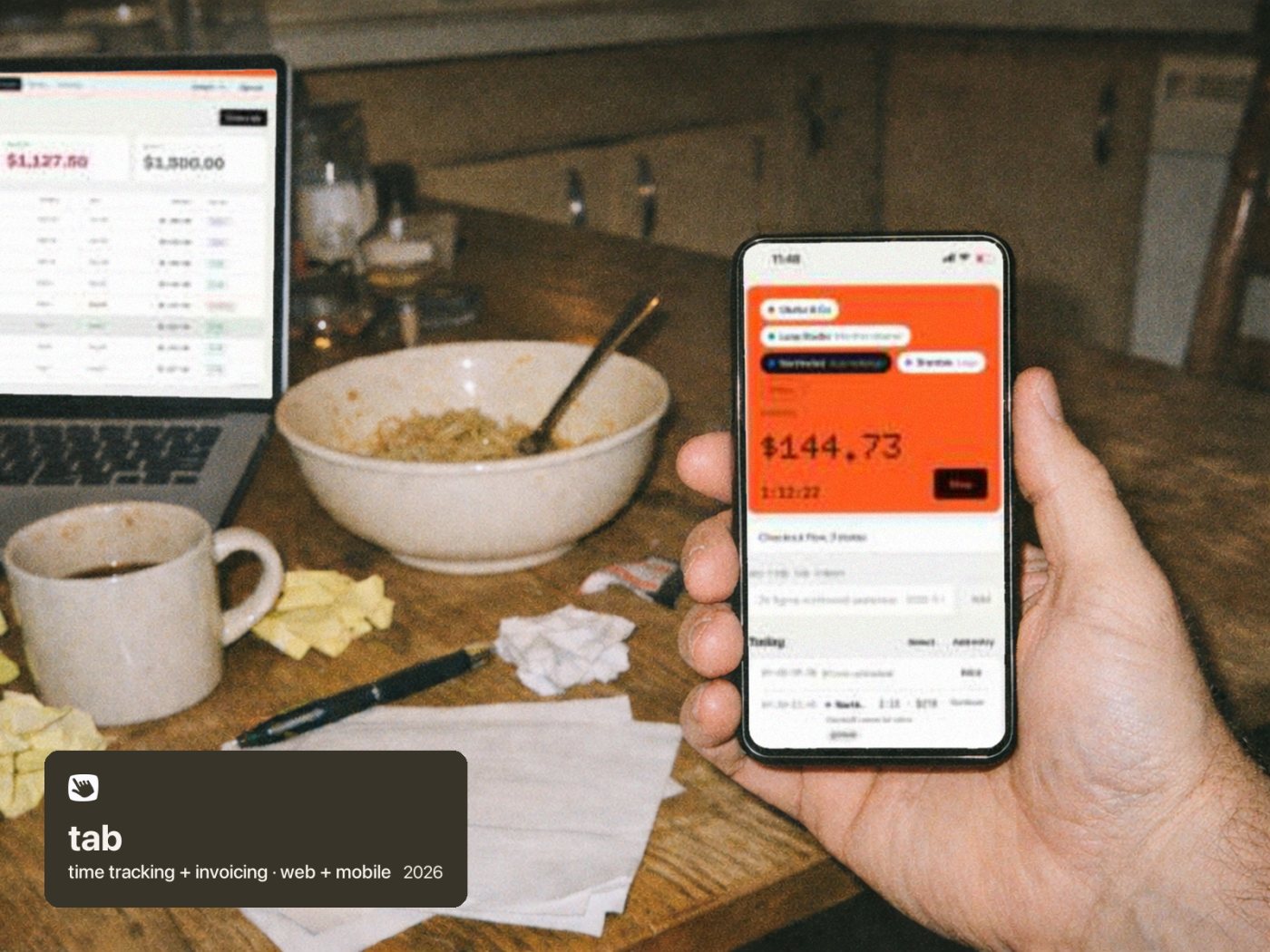
tab is the clock that gets you paid. It tracks the hours for every client, shows the client what was done without spying on anyone, and turns the week into a paid invoice in one tap. It began as my first-ever UX assignment, rebuilt as a real product.

Role
Founder: product, brand, design
Status
Public beta since 1 Oct 2026
Live
tabwork.app
visit tabwork.app ↗
4places freelancers lose money. tab covers all four.
0screenshots, keystroke counts or activity scores. Ever.
90screens audited across five journeys; 11 problems fixed
1solid button per screen, checked on every main screen
The gap

The timer isn't the product. Getting paid is.

Freelancers lose money in four places. They forget to start the timer and guess later, which means billing less. Clients doubt the hours, because off a marketplace a timesheet is just your word. Invoicing eats an evening. And then they chase the payment.

Every tool I looked at did one of those jobs and stopped. Time trackers stop at a PDF. Billing tools cap their free tiers. Marketplaces protect your hours, but by taking screenshots of your screen. tab was designed to cover all four, for one person, without the surveillance.
01Captureone tap starts the clock; type "2h figma acme yesterday" for what you forgot
→
02Provea weekly work receipt with links to the actual work
→
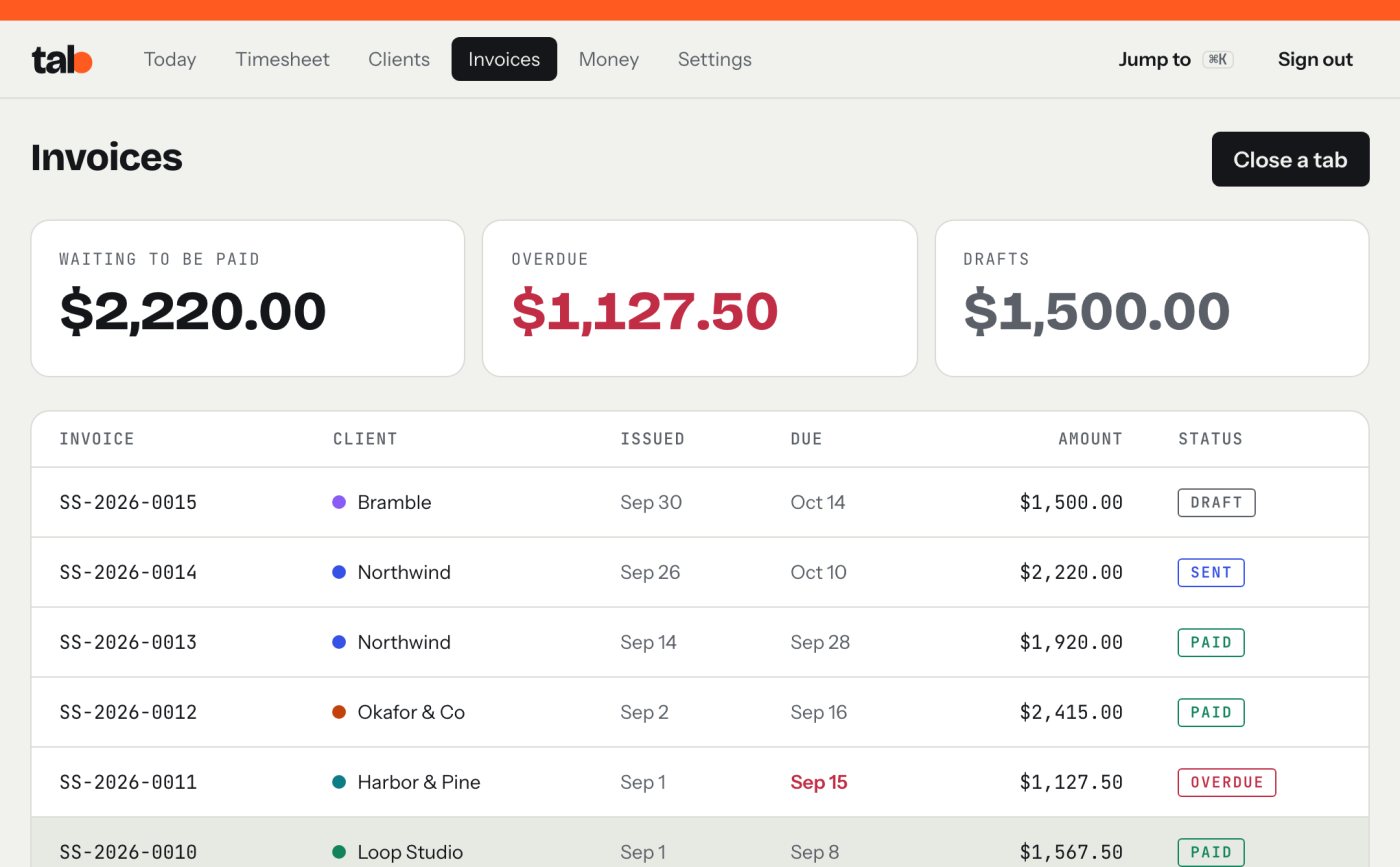
03Bill"Close the tab" turns unbilled hours into a checked invoice
→
04Collecta Pay button in the invoice email, bank transfer first
↺ then Money shows your real hourly rate, what to set aside for tax, and what's still owed
The four jobs, in the order a week actually goes.
The meter

Show the money, not just the minutes

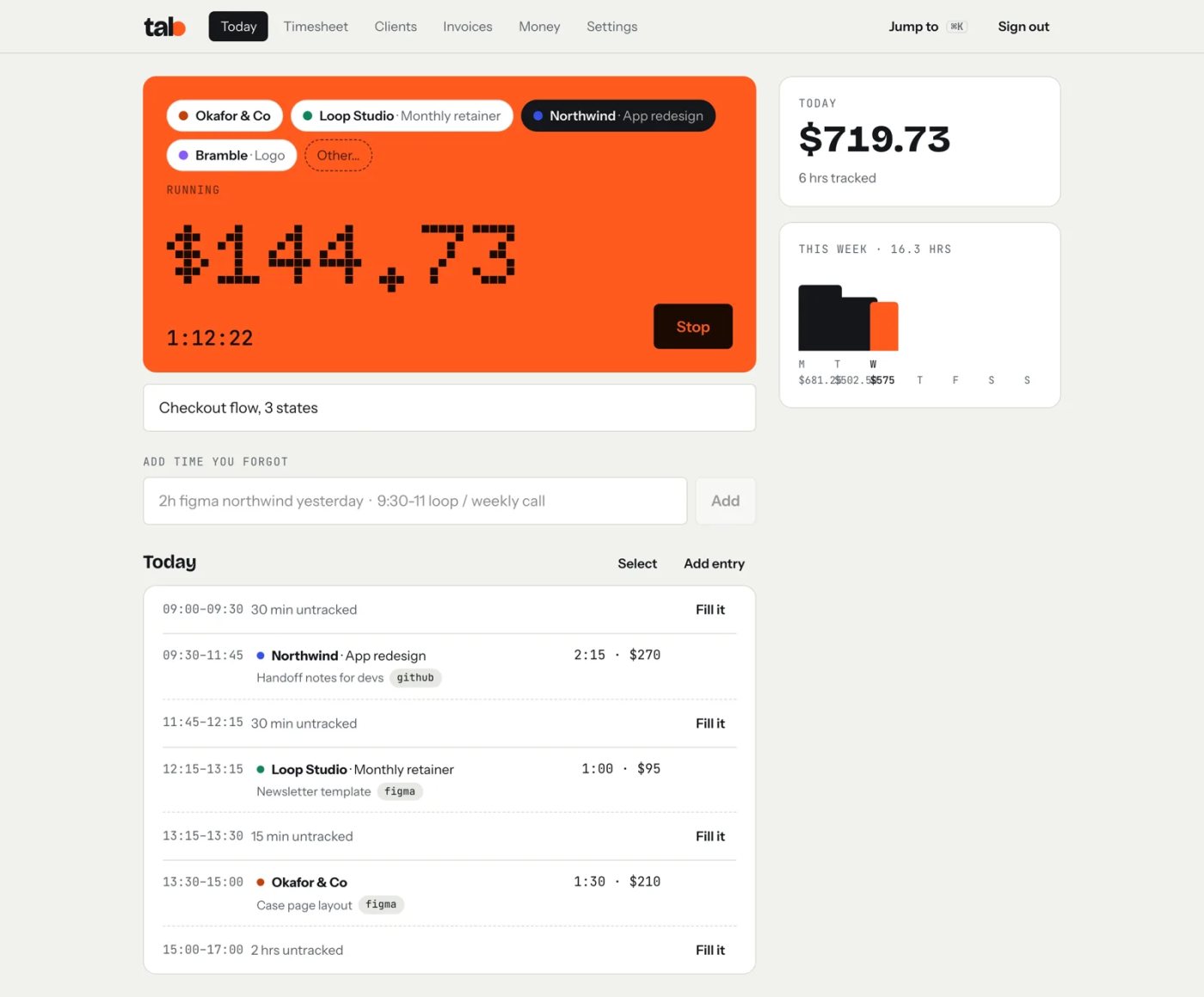
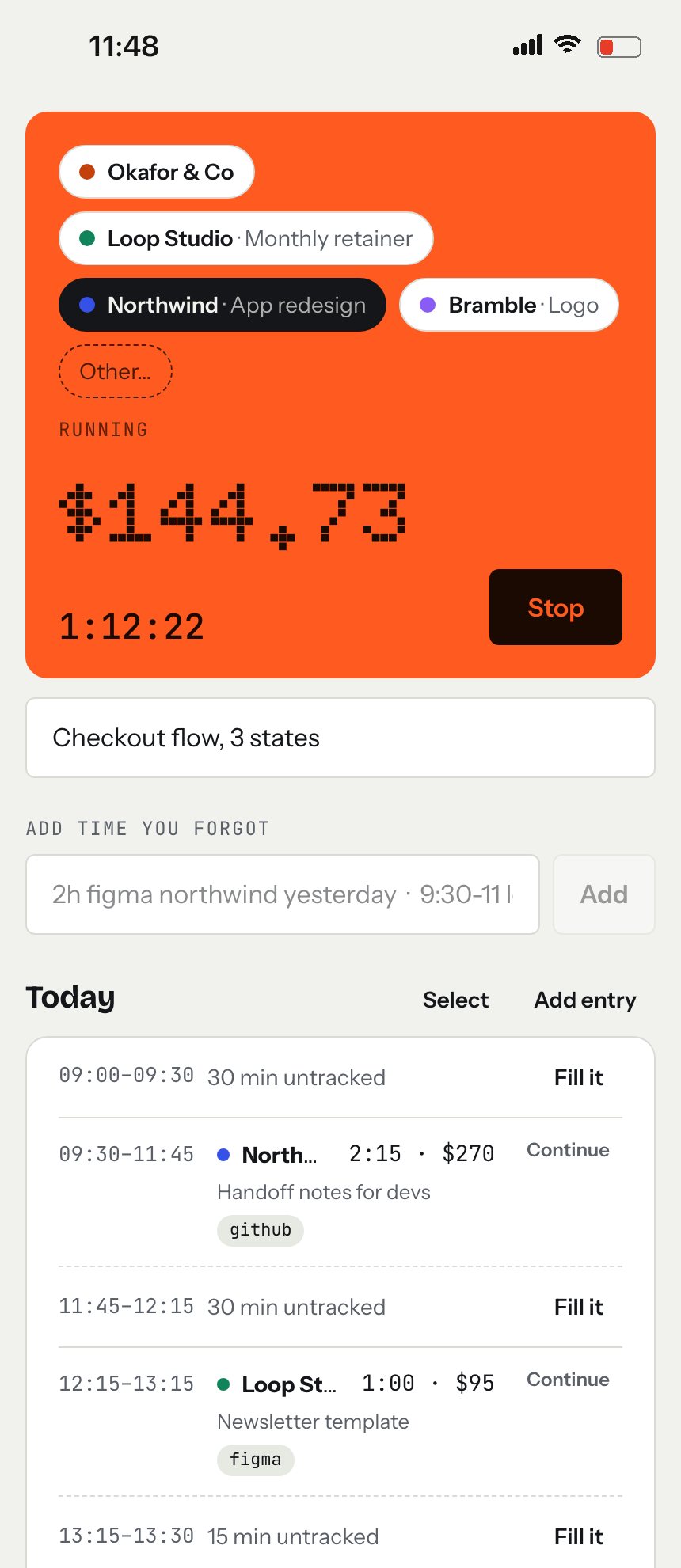
The running clock shows dollars first: what this client owes you right now, ticking up as you work. Seeing the money keeps you honest about starting it. Switching clients hands over at the same second, so there are no gaps and no overlaps.

My own first real use changed it. Stopping the clock dropped the number to $0.00 even on the same client, and it felt like starting over. For a product called tab, the number should be the tab. Now the meter shows everything that client hasn't been billed for yet, and it never dips.

Today on desktop: the meter, the week, and the gaps to fillToday on desktop: the meter, the week, and the gaps to fill
Today on a phoneToday on a phone
The meter shows money first. Demo data.
Proof, not surveillance

The client sees the work, not your screen

Upwork proved what freelancers really want: evidence of work that turns into payment. But it gets there by watching people. tab proves work with outputs instead. Each week's receipt lists every entry with its note and links to the real thing: the design file, the commit, the doc. The client taps "Looks right" or asks about a specific day, so questions come up on Friday, not a month after the invoice.

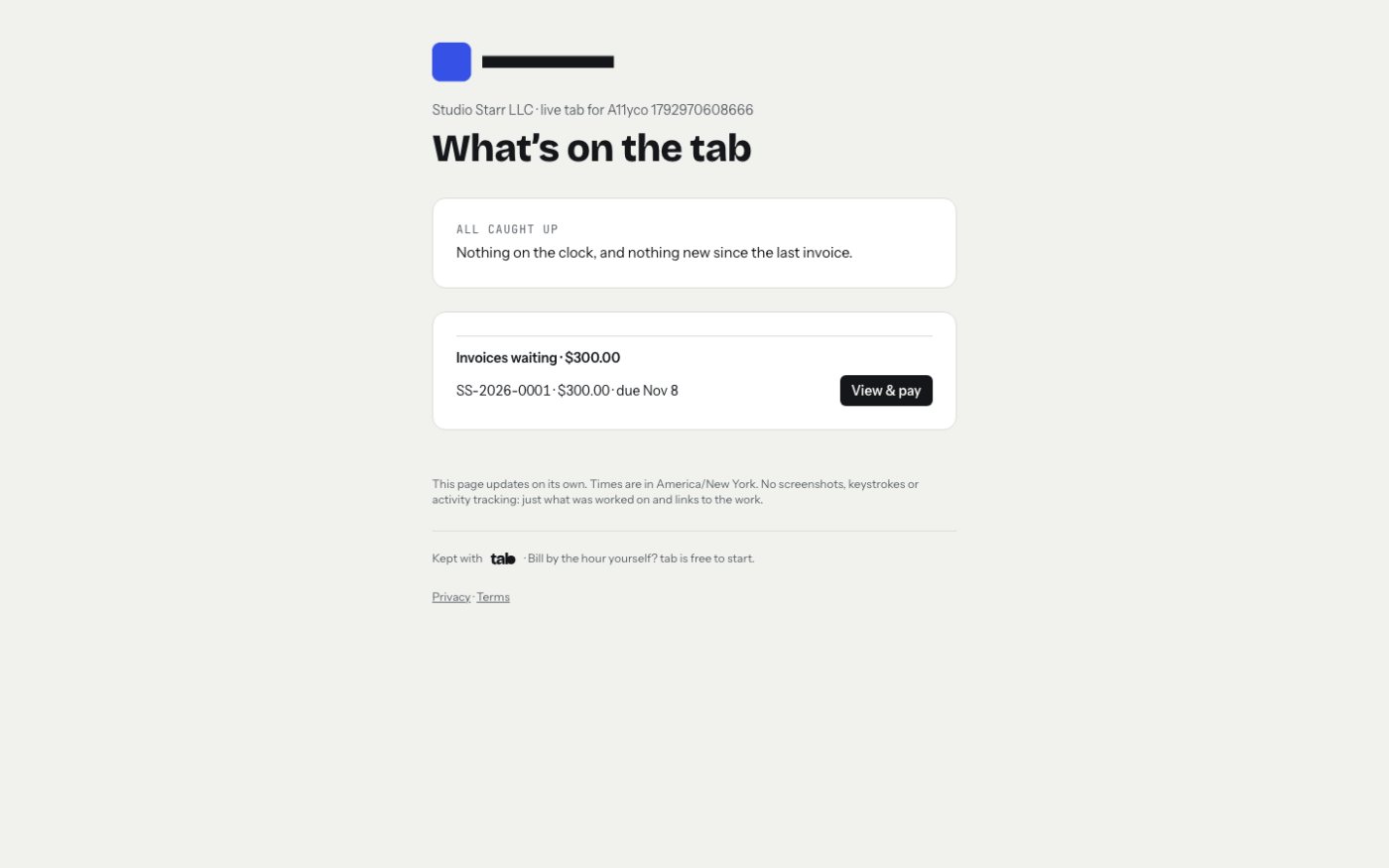
Later came the live tab: one private link per client that shows, read-only, whether the clock is running for them, what's been done since the last invoice, and what's waiting to be paid. It replaces the "how's it going?" email.

The live tab a client sees between invoicesThe live tab a client sees between invoices
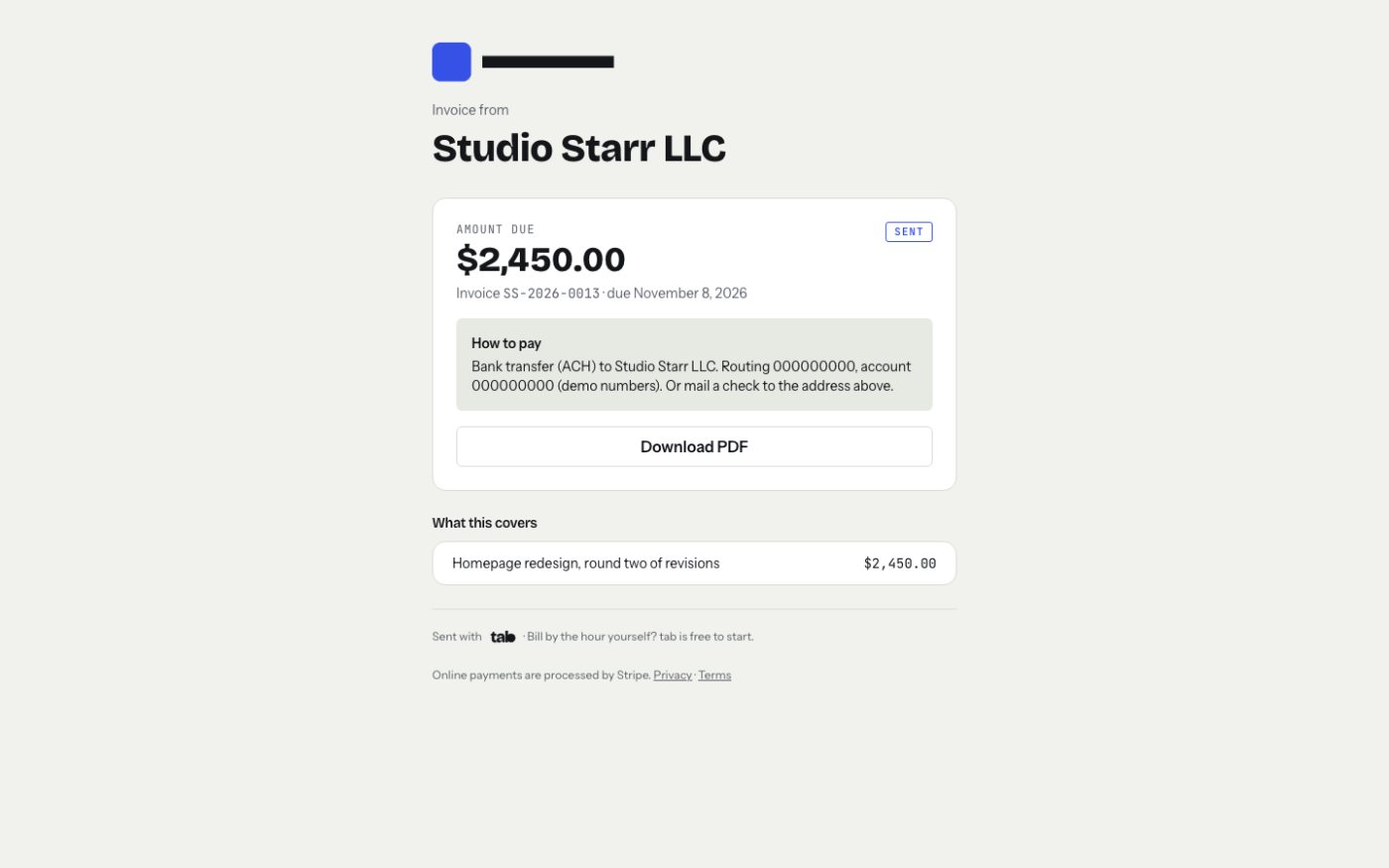
The invoice they pay fromThe invoice they pay from
Both pages say it plainly: no screenshots, keystrokes or activity tracking, just what was worked on and links to the work.
Fewer decisions

Easy to use. Easier to fix.

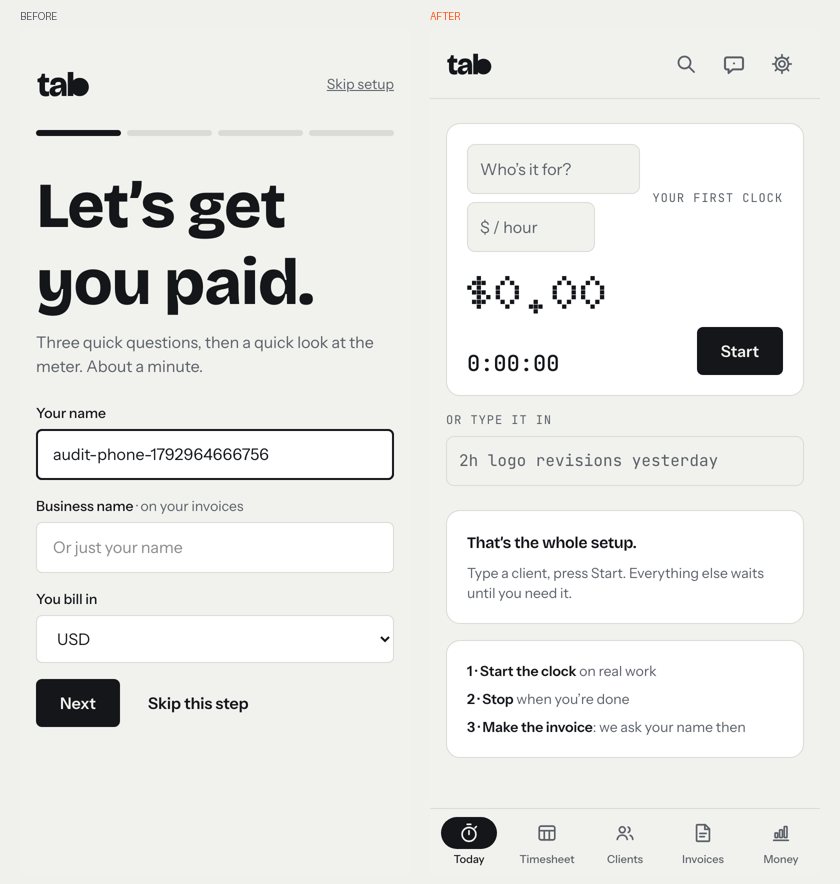
Visitors were reading the pages and leaving before they ever typed an email. So the first change was to let anyone try the real app with no account for seven days, and keep everything if they add an email later.

The next was setup itself. A trial that landed on "Let's get you paid: your name, your business name" was being abandoned on that screen. Now a trial opens on the clock: who's it for, what's the rate, Start. Your name waits until your first invoice. A full UX audit of tab, five journeys on phone and desktop, followed and found 11 problems; all of them were fixed, including the rule that each screen has exactly one solid button.

Before and after: three setup questions, replaced by the first clock.
The brand

Ink, paper and one live orange

Inside the product, tab stays quiet: ink on paper, a pixel-style clock face, and orange that means one thing only, the timer is running. If something is orange, money is being earned.

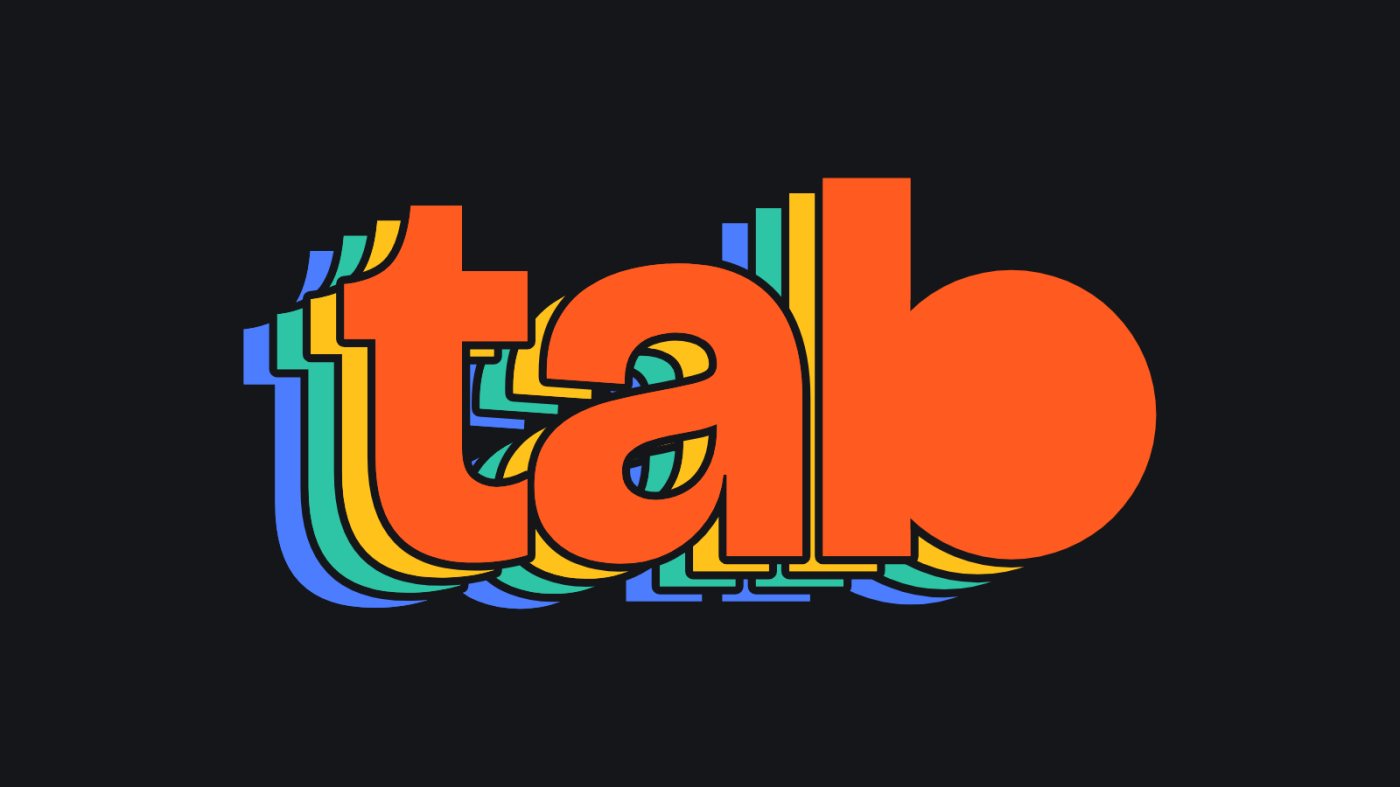
Outside, in marketing, the mark gets loud. The four-colour stacked wordmark, blue to teal to yellow with orange always in front, carries the posters, ads and social art, so the energy lives where people are deciding, and the calm lives where they work.

The stacked wordmark, for marketingThe stacked wordmark, for marketing
Inside the product: ink and paperInside the product: ink and paper
The beta

Built in public, changed by real use

tab went from a strategy document to a public beta with live payments, and every change since has been written down with the reason behind it: more than seventy decisions so far, each one short enough to read in a minute.

  1. Sep 29the strategy, the name, the stacked mark
  2. Oct 1public beta at tabwork.app
  3. Oct 13the live tab link for clients
  4. Oct 15try it with no account
  5. Oct 24a real clock on the homepage
  6. Oct 25UX audit; trials open on the clock
2026.
Looking back

What I'd tell another designer

Use the thing yourself on real work, early. The meter dropping to zero looked fine in every mock and felt wrong the first time it was my money.

And make mistakes cheap. Undo, split, fix this invoice, changed-since-approved on receipts: a tool people trust with their income has to forgive them first.