Experiment · 2026

Blurt

A voice-first way for teens and people who learn differently to make real little apps for their lives. Researched, designed and tested in a day, then put on the shelf on purpose.

Status
Concept · tested, not built
Role
Idea, research, product design, brand
Year
2026
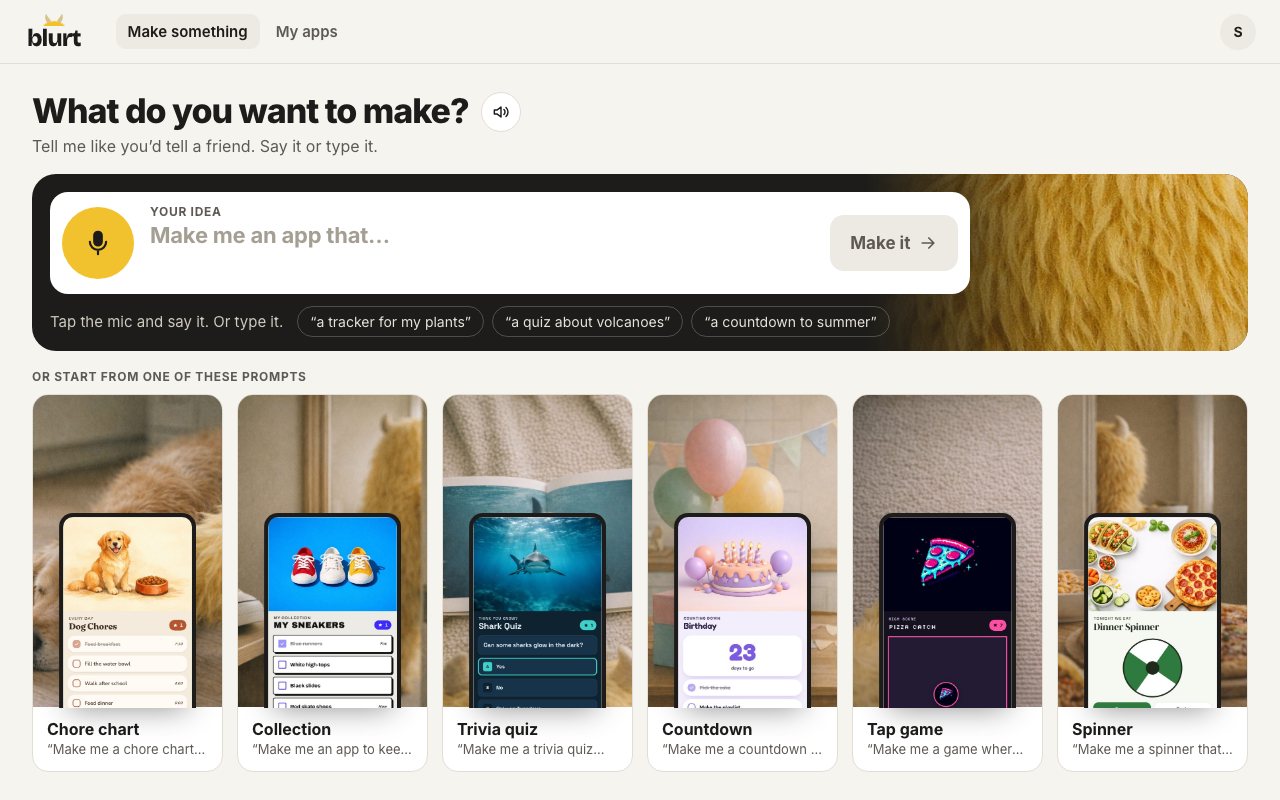
The start screen. One prompt box, a big yellow mic, and seven example prompts you can tap and edit.
4research reports before the first screen
3rounds of testing with six AI personas
6.7out of 10, average “would keep using it” in round 3
~$3to run per active user a month
The idea

Lovable, for people who don't speak tech

App builders that run on AI are everywhere now, and almost all of them assume you can read fast, type well and think like a developer. I wanted one for the people they leave out: kids, teens, and anyone who learns differently.

The rules were simple. You talk, it builds. Every answer is short and plain. It always suggests the next step as one big button. And it has boundaries, so nobody can use it to make something harmful.

Research first

Four reports before a single screen

Designing for kids isn't my everyday work, so I didn't start with screens. I started with four research reports: the competition, how kids learn, the AI and voice technology, and the law.

The competition gap was real. Every kids' app builder I found was typed, and they all assumed the kid could read and type. Voice-first products for kids existed, but they were chat buddies, not builders.

The learning research changed the design the most. When AI did all the work, kids did best in the moment and worst later. One high-school study found that students using an unguarded chatbot scored 17% lower on the exam afterwards. So after the first session, Blurt never builds a whole app from one sentence. It builds step by step and asks you to choose or predict along the way.

The voice research set a hard rule too. Speech recognition gets roughly one word in seven wrong for 8 to 10-year-olds, so the app always shows what it heard and lets you fix a single word.

The money decision

13 and up first, because the law has a price

Running it was cheap: about $3 to $4 a month for a typical user, against a $9.99 plan. Being allowed to serve kids under 13 was not. A privacy lawyer, a safety seal and verified parent consent added up to roughly $8,000 to $25,000 in the first year, before any revenue.

So I moved the first audience to 13 and up: teens, plus adults with ADHD or dyslexia, or who just don't think of themselves as tech people. The first-year cost dropped to roughly $3,000 to $6,500, and nothing in the design had to change. A kids' mode became an upgrade for later, not a rebuild.

The design system

Your app and the tool are never the same thing

The first version was colourful and loud, and it looked like it was made for little kids. Kids aren't dumb, so I rebuilt it around one rule: the tool stays quiet and the thing you made is the star.

The studio is warm off-white, near-black ink and one font. The only colour in it is yellow, and yellow always means “talk”. Your app lives in its own frame, labelled with its name, in one of seven looks, each with its own colours, fonts, shapes and picture style.

The logo plays once on load: the top of the monster's head peeks up from behind the word.
Fig. 1The logo plays once on load: the top of the monster's head peeks up from behind the word.
One app, three looks. Every app gets a picture painted in its look's style: watercolour, real-life photo or soft clay.
Fig. 2One app, three looks. Every app gets a picture painted in its look's style: watercolour, real-life photo or soft clay.
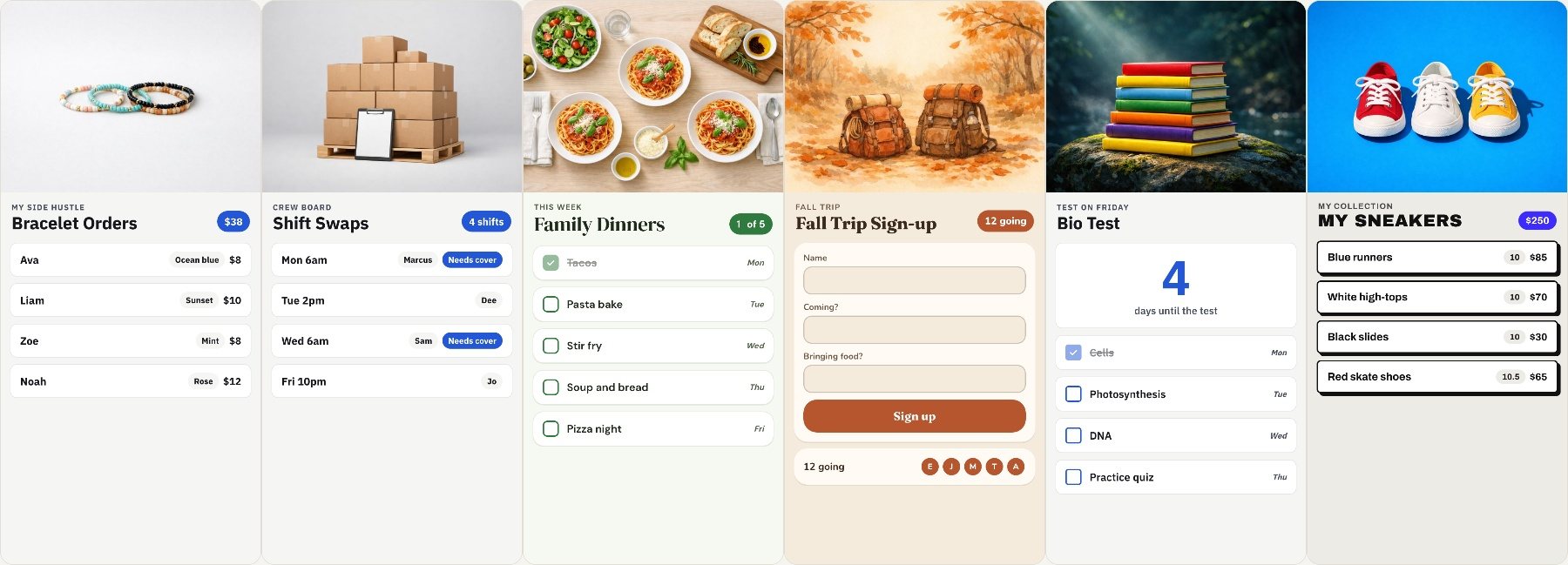
Starter apps in their looks: orders with totals, a crew's shift board, a meal planner, a sign-up form, a study countdown and a sneaker collection.
Fig. 3Starter apps in their looks: orders with totals, a crew's shift board, a meal planner, a sign-up form, a study countdown and a sneaker collection.
The mascot

A yellow monster you never quite see

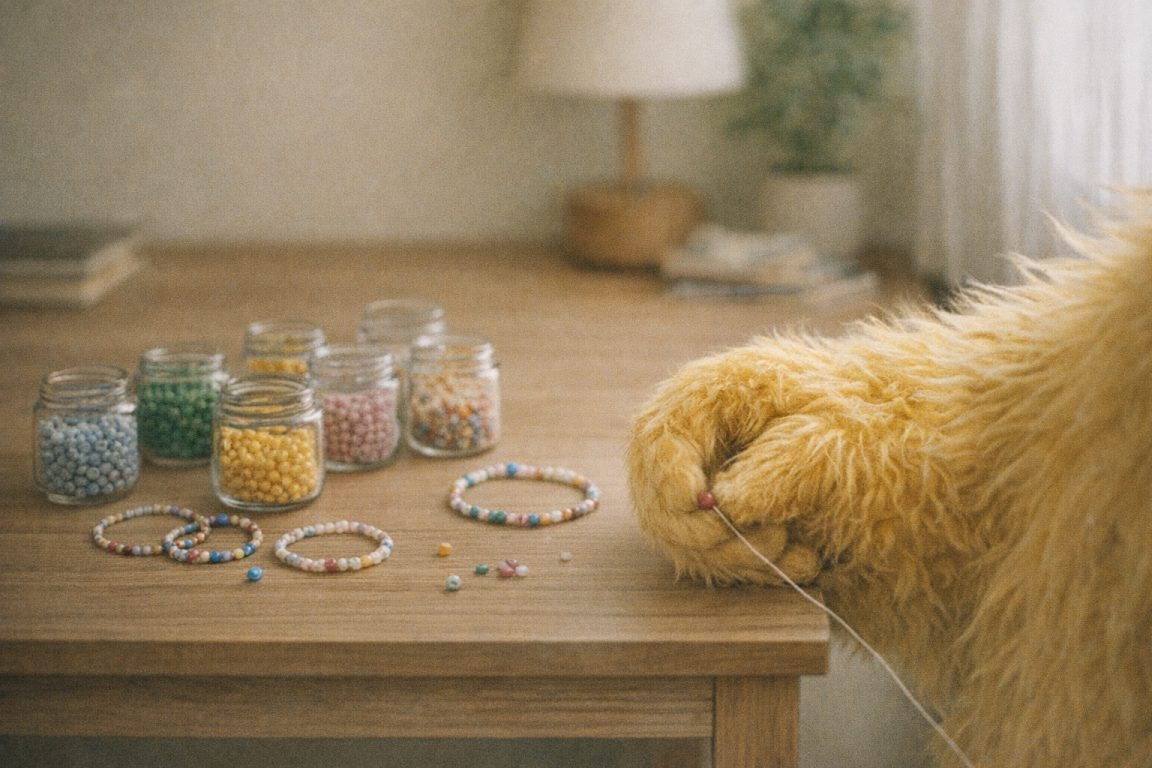
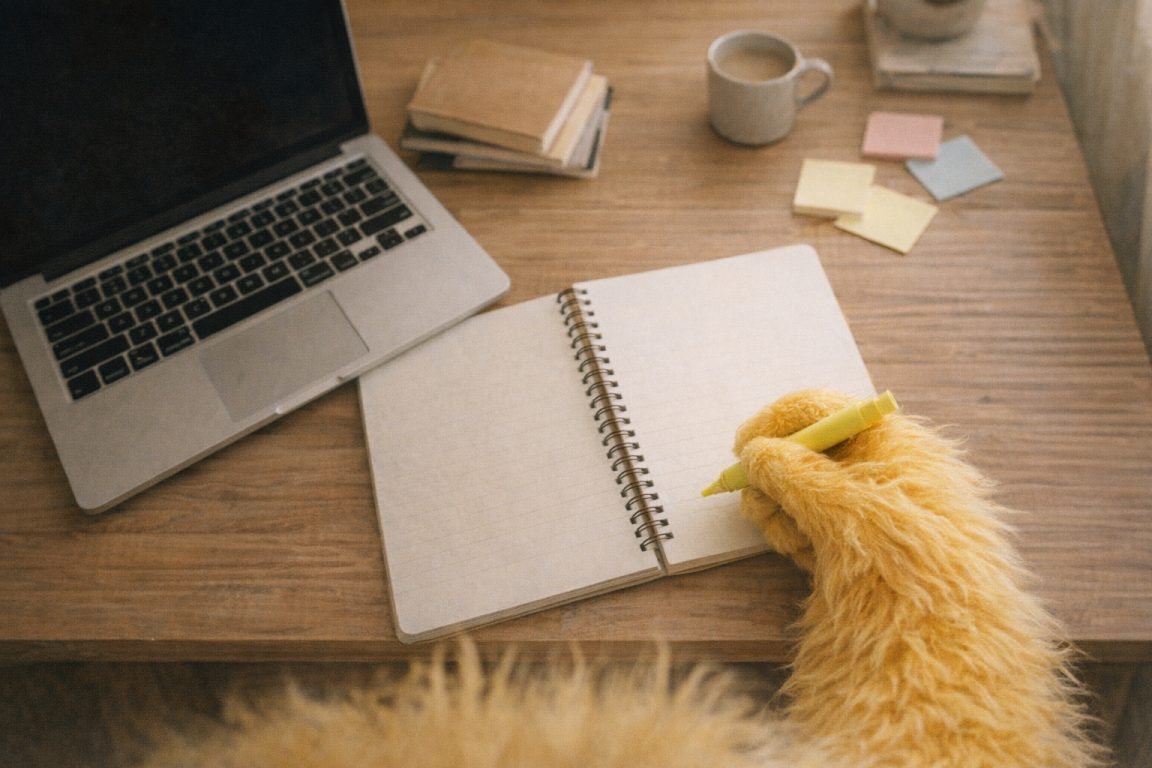
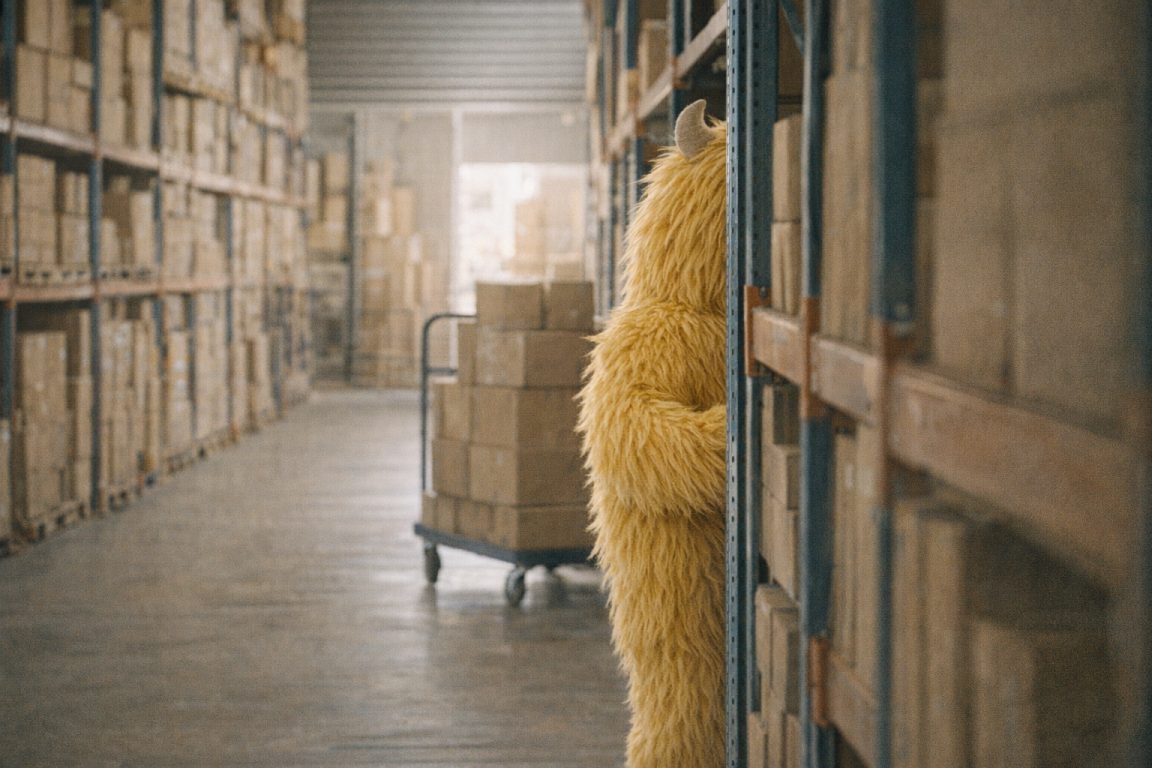
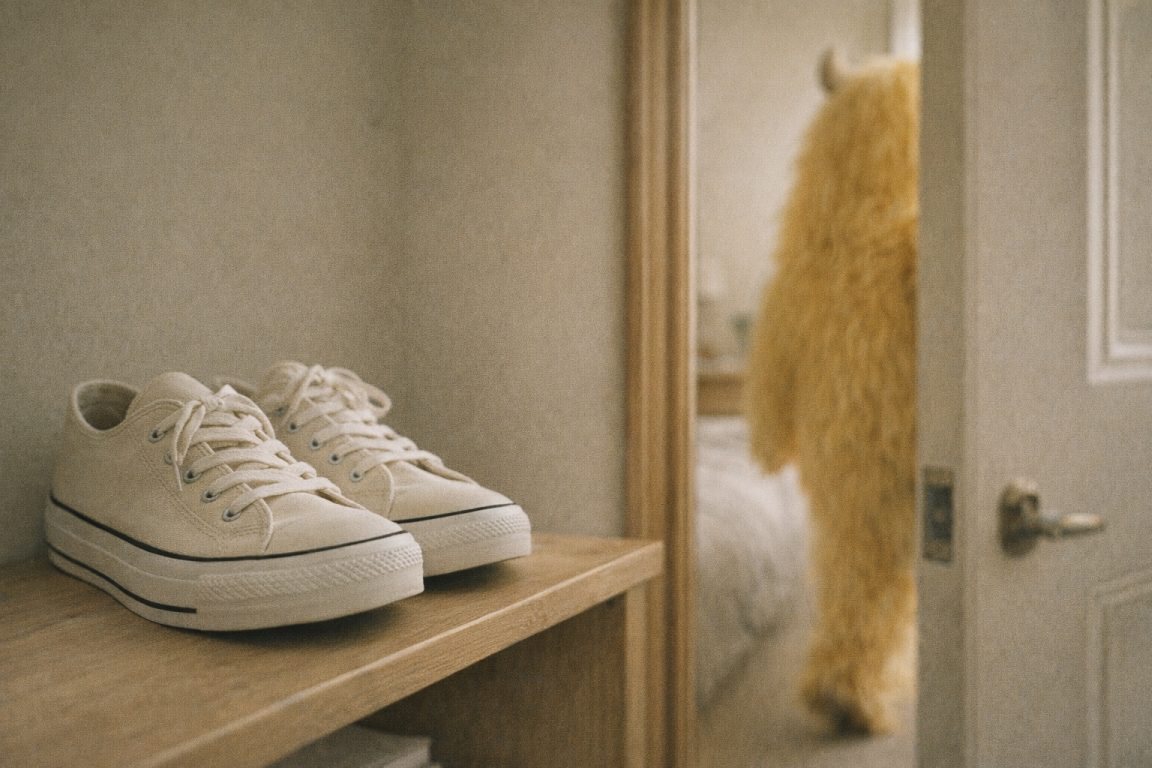
Blurt is a big shaggy yellow monster with two cream horns. He always looks the same, and you never see his face. In every photo he's hiding somewhere different: a hand scratching a dog's head, a blur walking out of a doorway, a foot at the edge of the frame.

His yellow is the same yellow as the mic, so the monster is the one listening.

Fig. 4Hidden in plain sight: threading beads, reaching into the fridge, holding a highlighter.
Fig. 5In the background at the warehouse, far down the trail, walking out of the bedroom.
The editor

Talk on the left, your app on the right

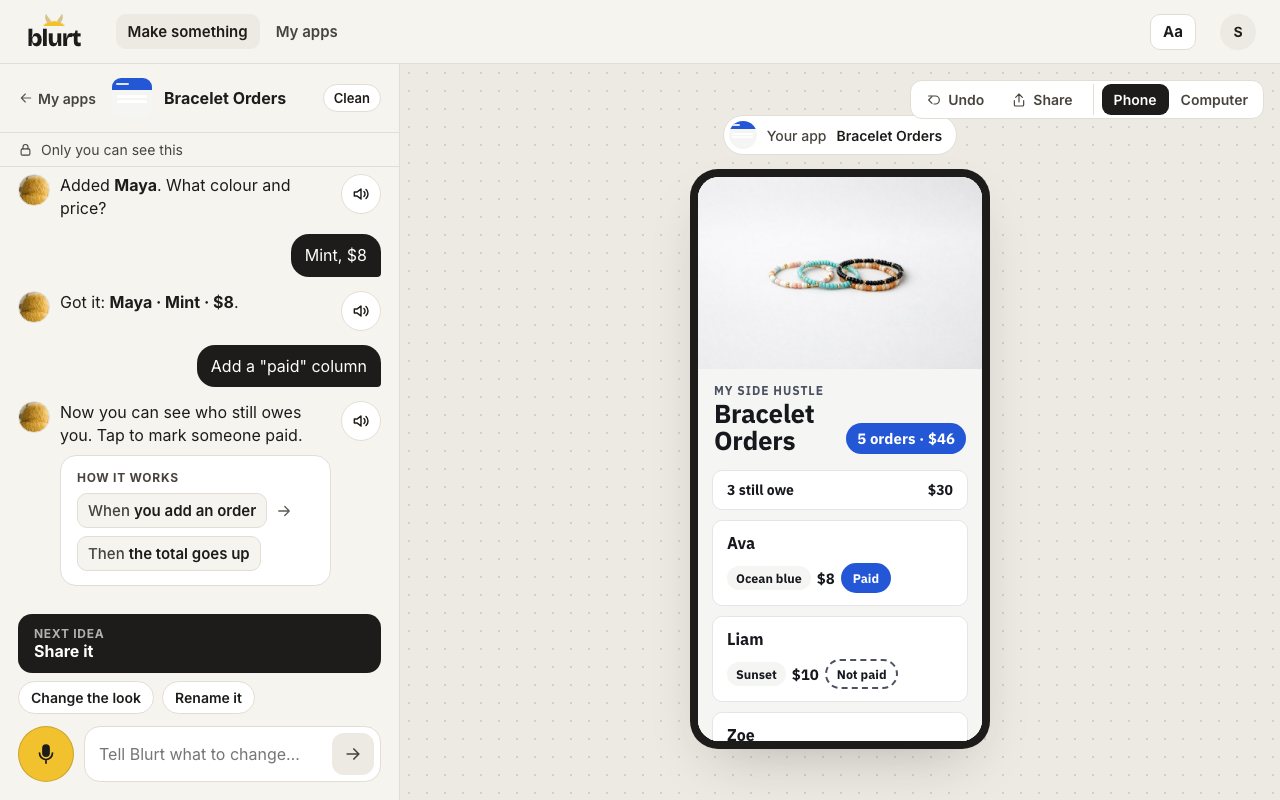
Once your app exists, you keep shaping it in a chat. Say “add a paid column” and the column appears. Add an order for Maya and it asks for her colour and price. The total recounts, a line says who still owes money, and Undo tells you exactly what it undid.

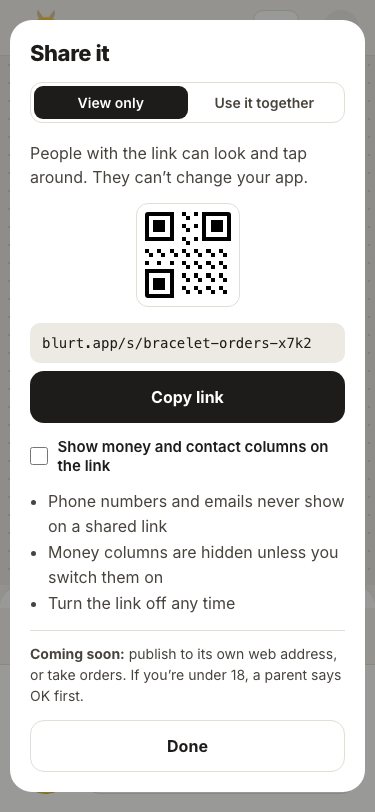
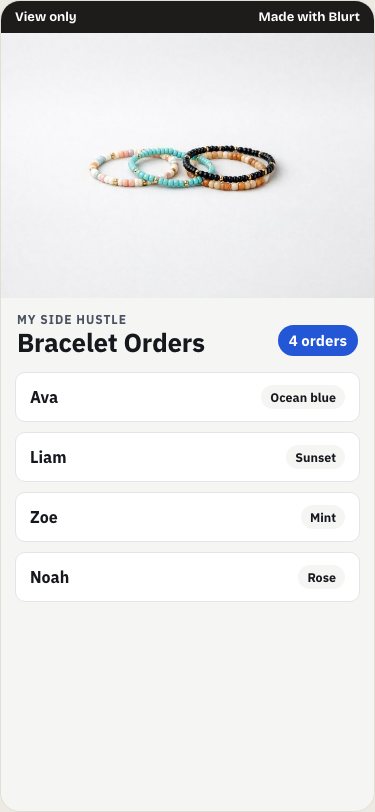
Safety is built in rather than bolted on. Phone numbers and emails stay private and never show on a shared link. Shared links hide prices and who's paid unless you switch them on. Sign-up answers are only visible to the person who made the form, and they delete themselves 30 days after the event.

Bracelet orders after “add an order for Maya”, “Mint, $8” and “add a paid column”.
Fig. 6Bracelet orders after “add an order for Maya”, “Mint, $8” and “add a paid column”.
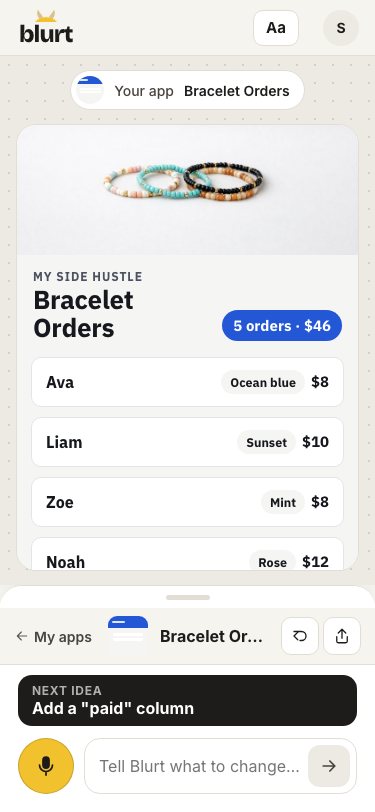
Fig. 7On a phone: the chat shrinks so the app stays the star, sharing is a link and a QR code, and a friend opening the link sees no money.
Testing

Six AI testers, three rounds

I tested it with six AI personas: Maya, 13, impatient and phone-first; Jayden, 15, with ADHD; Priya, 16, starting a bracelet side hustle; Marcus, 34, a dyslexic warehouse lead; Dana, 41, who says she's not a tech person; and Ruth, 58, who runs a youth group. Each one went through the same seven tasks, in character, and wrote up what confused them.

In round 1, all six quit at the same place. Share told everyone, adults included, to “ask my grown-up”. The examples read like a kids' product, and their real apps needed things the sketch couldn't do.

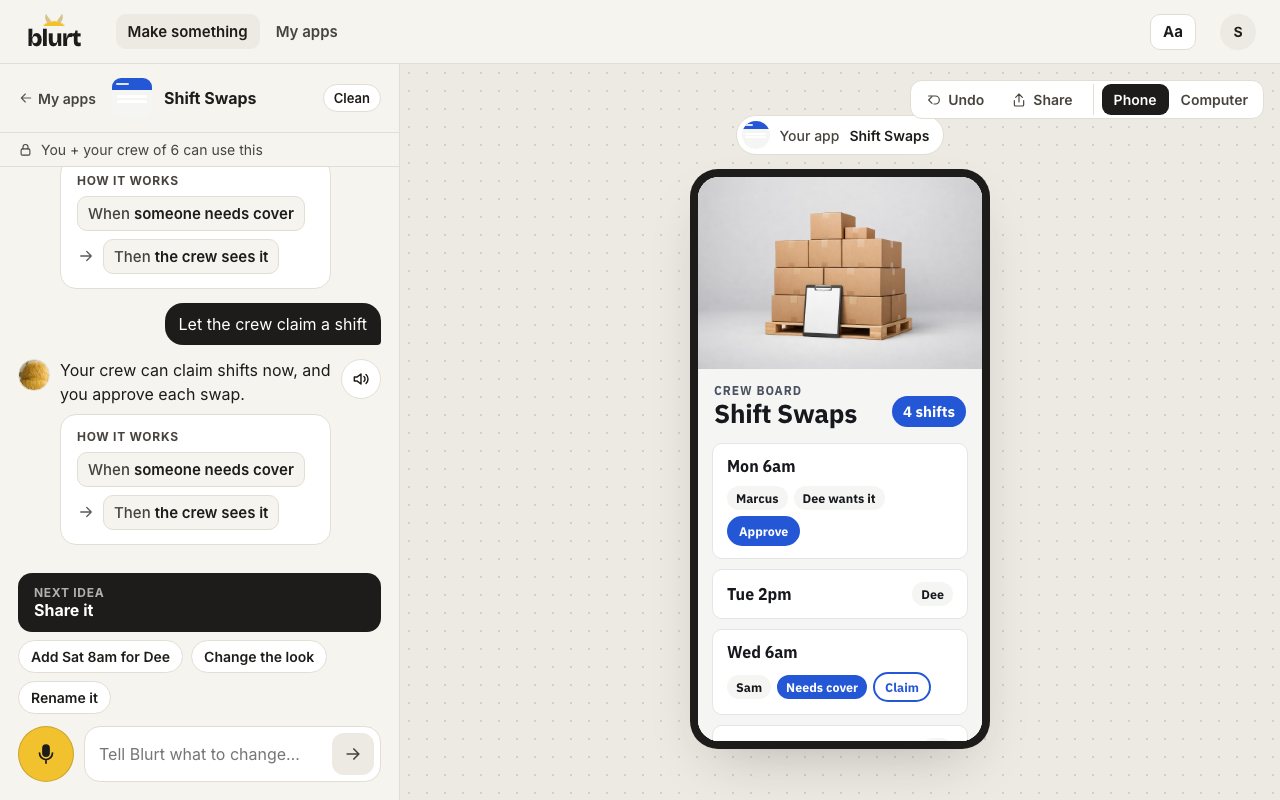
Each round's fixes came straight from their notes: tables with columns, sign-up forms, apps a crew uses together, a plain look for work, sharing that matches the app. By round 3, every tester could do the job they came for, and the average “would keep using it” score was 6.7 out of 10.

AI testers can't tell you how a real teen's voice gets heard or how real attention drifts. The plan always kept a real teen and a real adult for the step before a beta.

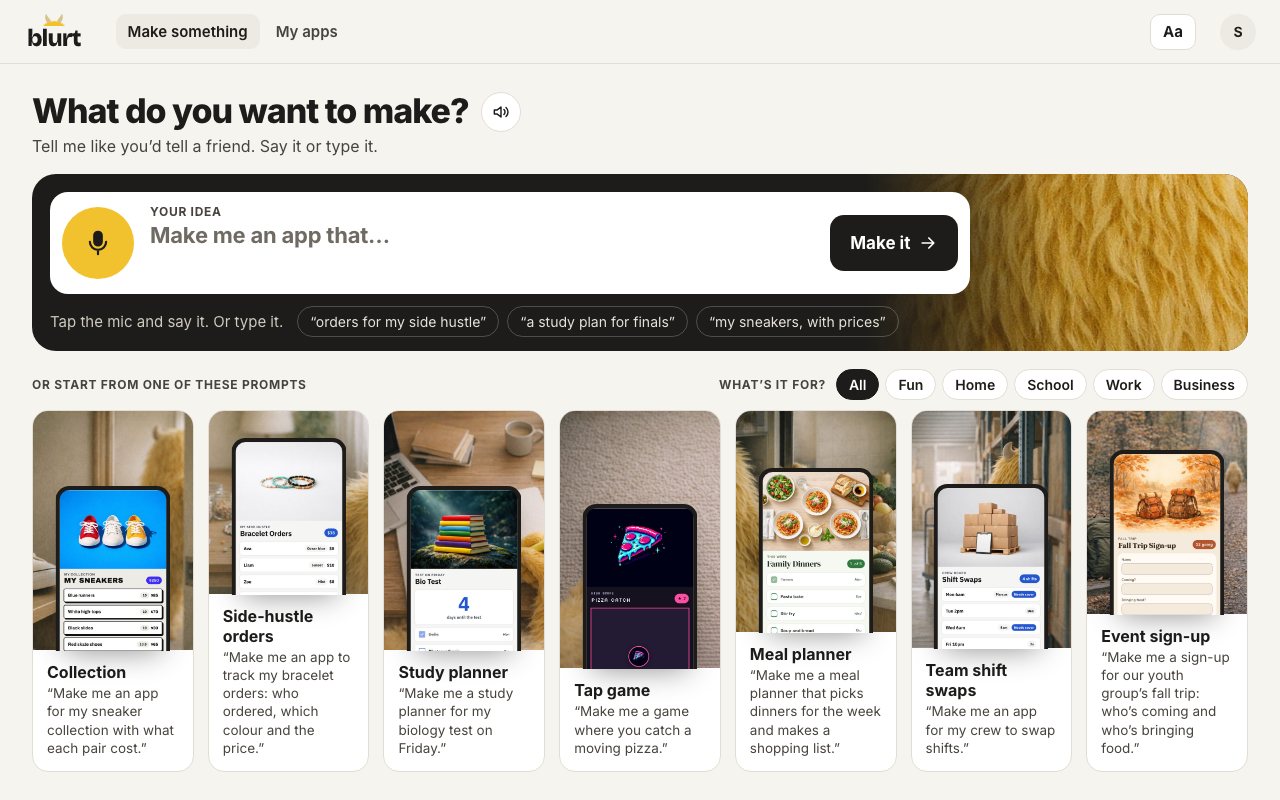
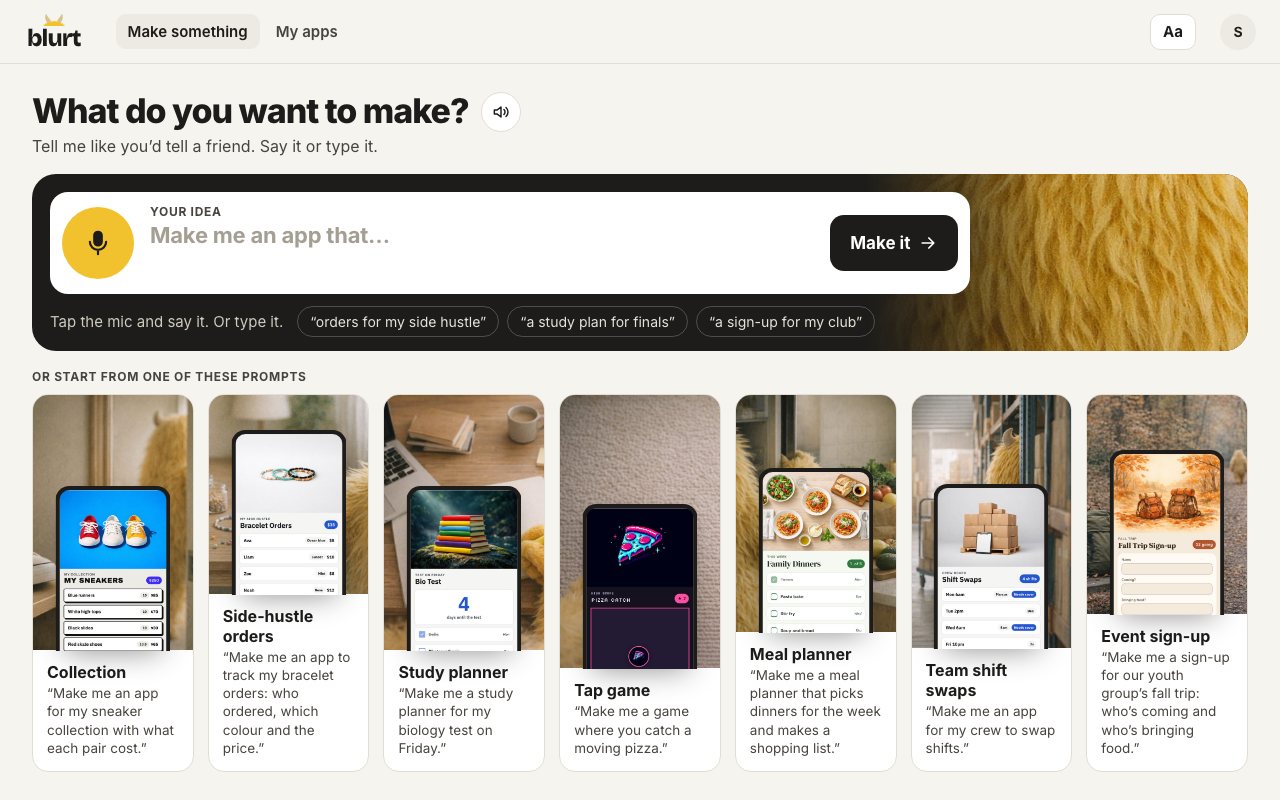
Fig. 8Round 1 and round 3. The kid starters became real-life ones, and the prompt box became the centre of the page.
Fig. 9Ruth's sign-up answers, and Marcus's crew claiming a shift for him to approve.
Where it is now

On the shelf, on purpose

I've decided not to take Blurt further for now. The plan to build it is written down: the app recipe format, seven build steps and about 76 hours of work. So are the costs and the safety rules.

It's here because the thinking holds up: research before screens, a cost decision that changed the audience, a design system with one clear rule, and three rounds of testing that turned a product everyone quit into one most of them would keep.