Design & Dev Drift: Sync Your Product for Cohesion
Stop the silent divergence between Figma and production. Learn how to align design and development for faster, higher-quality product evolution.
by Brady Starr · 2026-04-15
There’s a moment that happens on almost every product team: A developer makes a small tweak in code — adjusts a color, increases contrast, tightens spacing — nothing major. It improves the product in the moment.
But that change never makes it back to design. And now, without anyone realizing it, there are two versions of the product. One in Figma. One in production. They’re close… but not the same. That’s how drift begins.
The Problem Isn’t the Tweak
Let’s be clear — developers making improvements is not the issue. In fact, it’s often a good thing. It means they care about quality, they’re thinking about usability, and they’re solving real problems in real time.
The issue is what happens after. When those decisions don’t get documented, don’t get reflected in design, and don’t become part of a shared system, they turn into silent divergence.
What Drift Actually Looks Like
At first, it’s subtle. Colors are slightly different between screens, spacing feels inconsistent, and components behave differently than expected. Designers are referencing outdated patterns, and developers are making judgment calls instead of following a system.
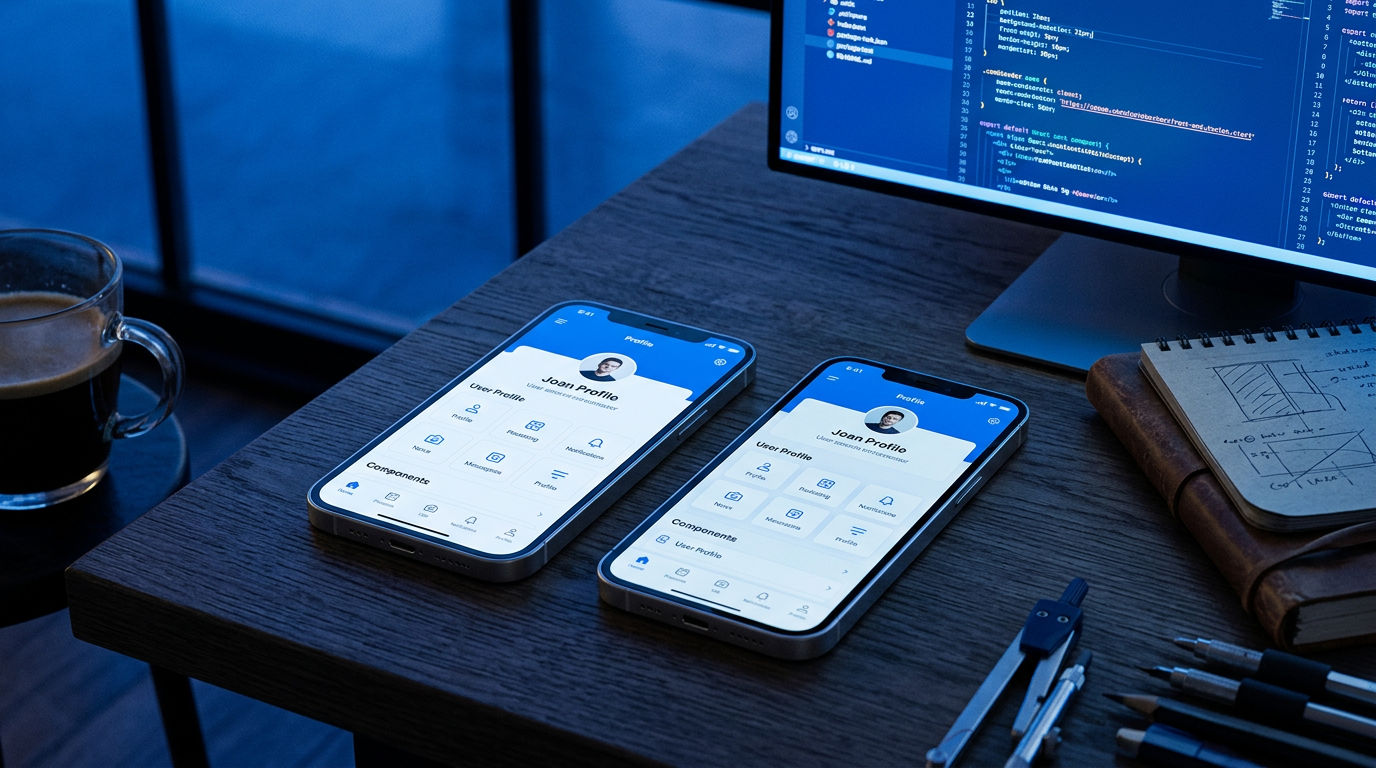
Over time, it compounds. Design reviews become confusing, QA becomes subjective, and new features feel disconnected. Everything takes longer to build and fix. Not because the team isn’t good — but because the system isn’t aligned.
When design and development don't stay in sync, none of your 'sources of truth' are truly reliable. And that creates friction everywhere.
Brady UX
The Real Root Cause: Multiple Sources of Truth
Most teams operate with multiple “sources of truth”: Figma (what the product should be), Code (what the product actually is), and Conversations (what people think is happening). When these don’t stay in sync, none of them are truly reliable, creating friction everywhere.
The Shift: One Shared System
The goal isn’t tighter handoffs. It’s a mindset shift: Design and development are not separate phases. They are two expressions of the same system. That system should evolve together.
What This Looks Like in Practice
1. Design Systems Live in Both Worlds
A real design system isn’t just a Figma file. It exists in design (structure, visuals, intent) and in code (tokens, components, behavior). These should map directly: Colors to tokens, typography to defined styles, spacing to a consistent scale, and components to shared naming and logic. If they don’t map, they’re not a system — they’re approximations.
2. No More “Silent Fixes”
If something gets adjusted in development — contrast, color, spacing, interaction — that’s no longer just a dev tweak. That’s a design decision. And it should trigger a simple question: Should this become the new standard? If yes, update both design and code. If no, revert or align. Either way, the system stays intact.
3. Introduce a Lightweight Sync Loop
This doesn’t need to be heavy. A simple, repeatable check-in is enough: Compare design vs. live product, identify mismatches, and decide what changes and where. This can take 15–20 minutes, preventing hours (or days) of rework later.
4. Design From Reality, Not Just Intention
Not every design should start from a blank canvas. Sometimes the best starting point is the actual product, what users are already experiencing, and what’s already been built. Pull from it. Rebuild it. Improve it. This keeps design grounded in reality — not just ideal states.
5. Use Tokens as the Bridge
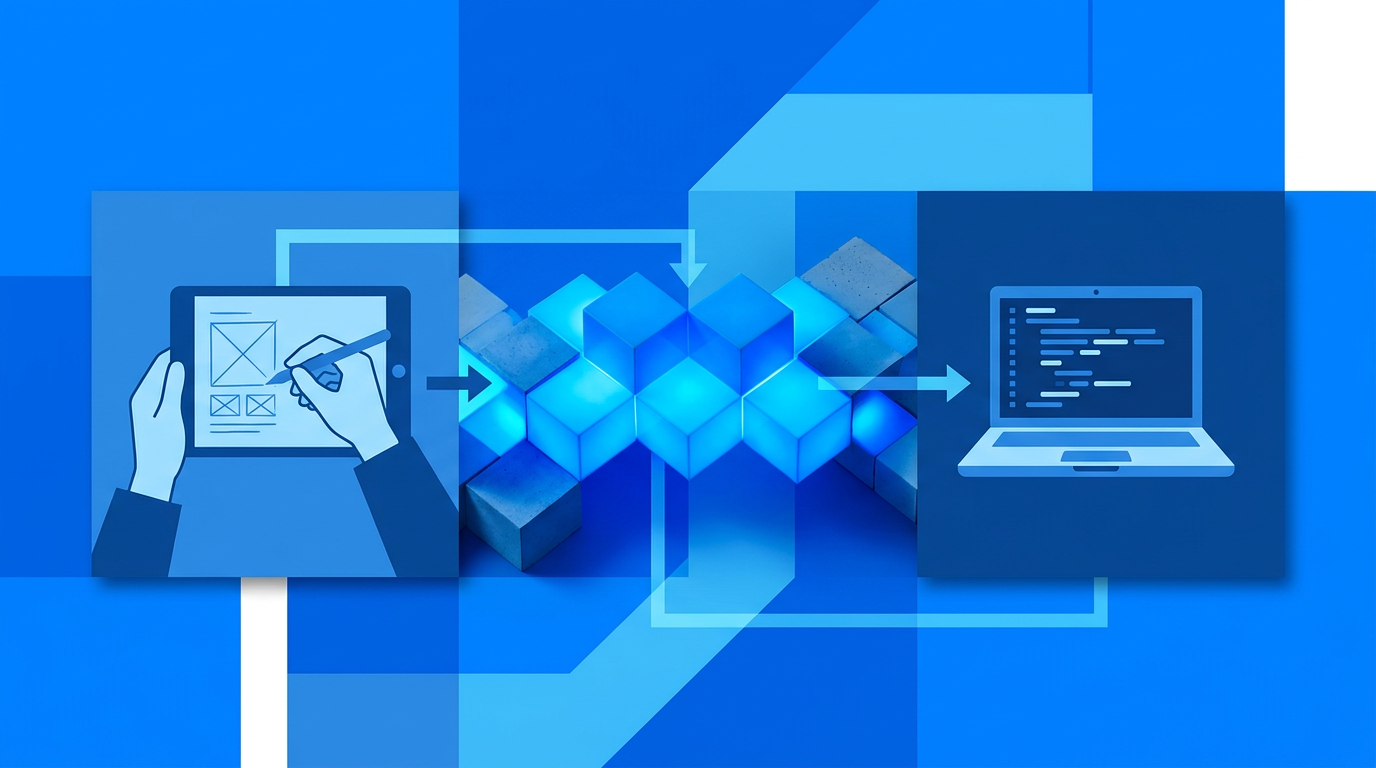
Design tokens are one of the most effective ways to stay aligned. They create a shared language between design and development for colors, spacing, typography, and motion. When tokens are consistent, design reflects code, code reflects design, and changes propagate cleanly. Without them, everything becomes manual — and fragile.
Why This Matters
When design and development stay in sync, products feel more cohesive, teams move faster, decisions are clearer, rework is reduced, and quality improves over time.
85% of users value consistency in digital products — Product consistency leads to higher user satisfaction and trust, directly impacted by design and development alignment.
But more importantly: You stop rebuilding the product over and over — and start evolving a system that gets better with every iteration.
How We Approach This at Brady UX
We don’t treat design as a set of screens. We treat it as a system that needs to live across design, development, and real product usage. That means aligning design systems with actual implementation, reducing gaps between intent and reality, and building workflows that keep everything in sync over time.
Because the best products aren’t just well-designed. They’re consistently designed — everywhere they exist.
If your product feels slightly off — inconsistent, harder to maintain, slower to evolve — it might not be a design problem or a development problem. It might be a sync problem. And once you fix that, everything else gets easier.